Silent Abyss
A downloadable game for Windows
Silent Abyss is a game created for the Metroidvania Month Game Jam (Super MVM 22)
Note: this has been updated post-jam, to fix some game play issues
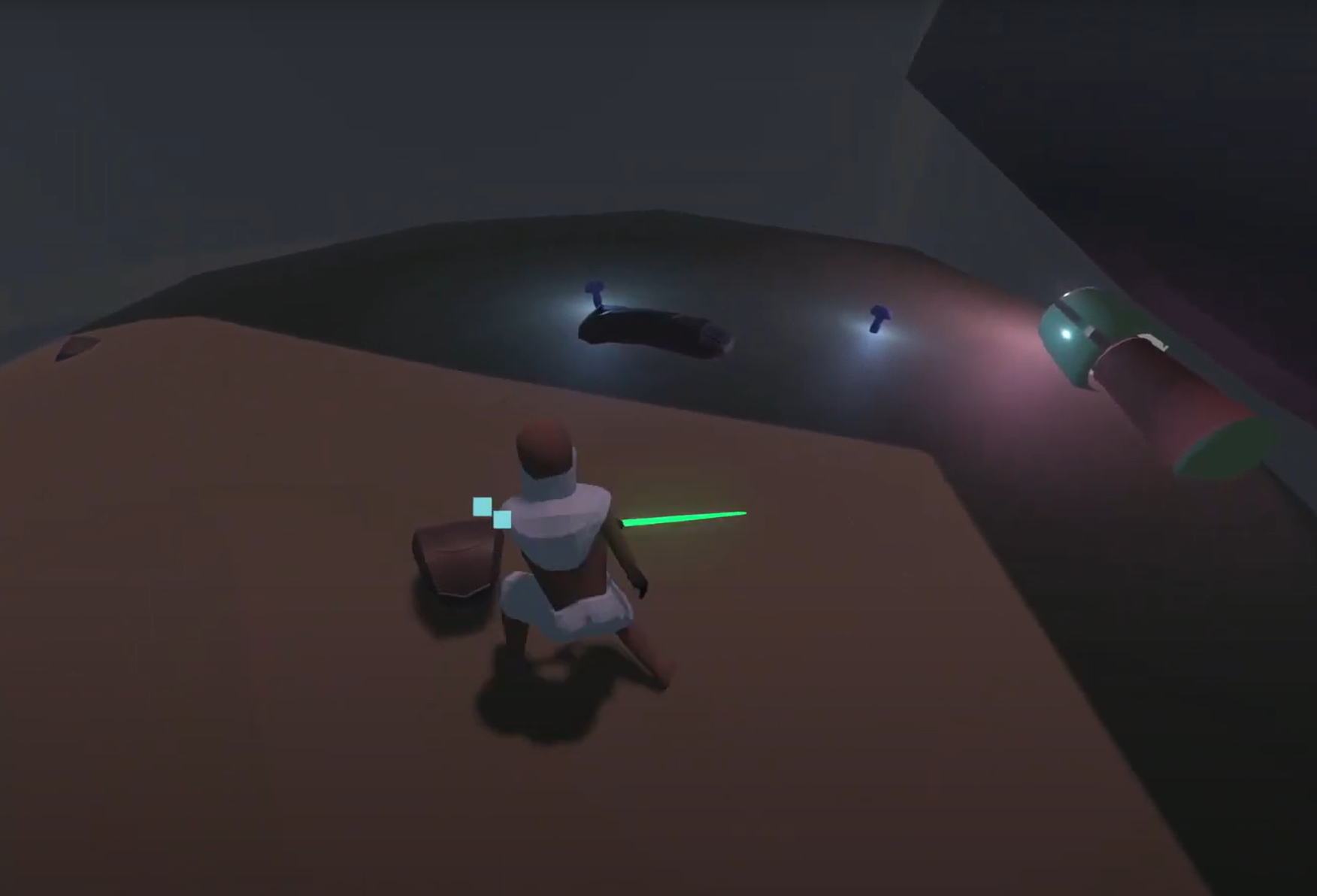
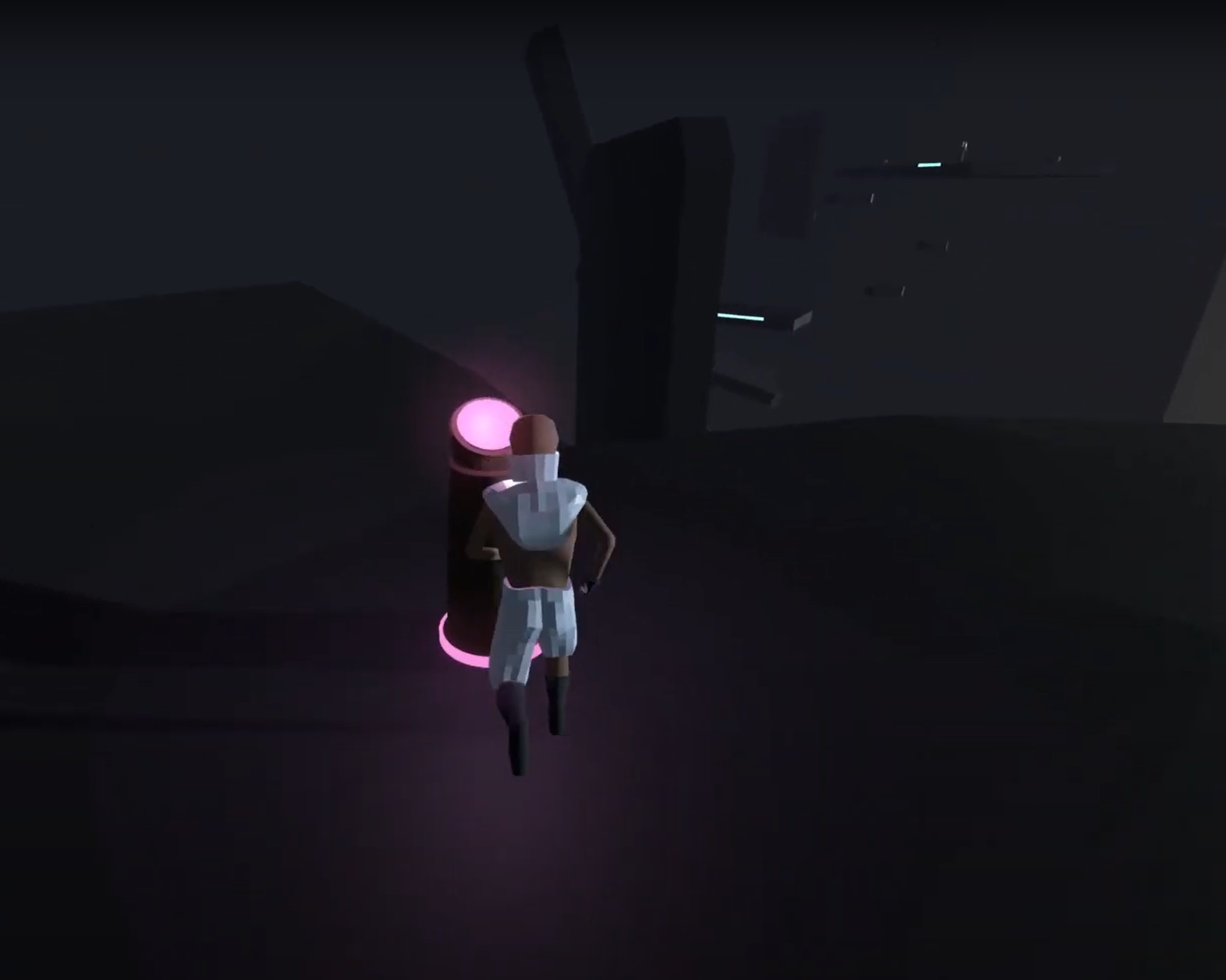
Explore different areas with some tricky platforming and light combat. Find upgrades around the game to gain additional abilities and access to new areas.
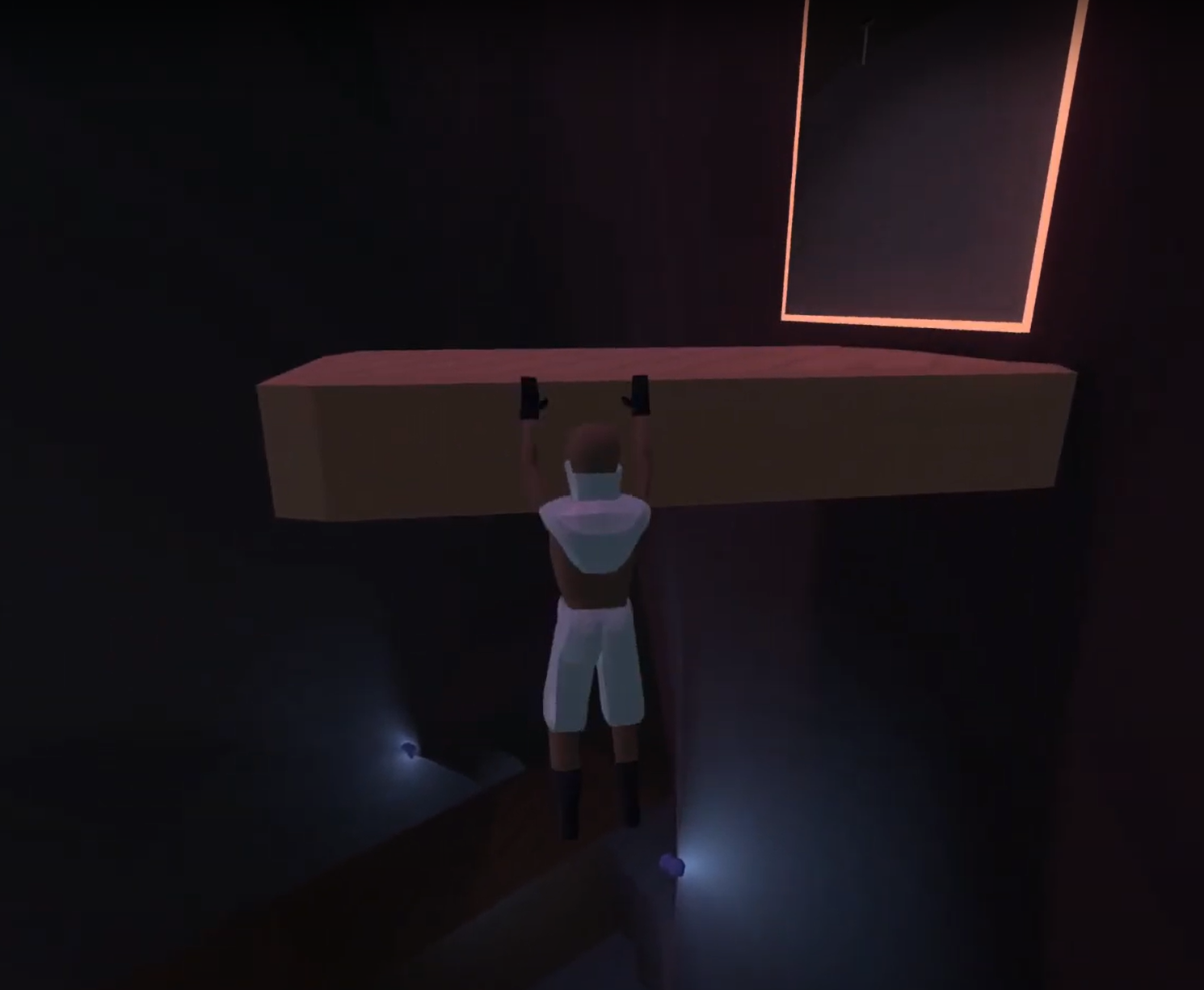
Abilities include: ledge grab, wall slide, rail-grind, wall jump, shield, and sword
Tips:
- Press and hold on Restart and Quit menus
- Turning off and back on music will skip the track
- Hint: after you get the wall-slide boots, head back to where you began the game
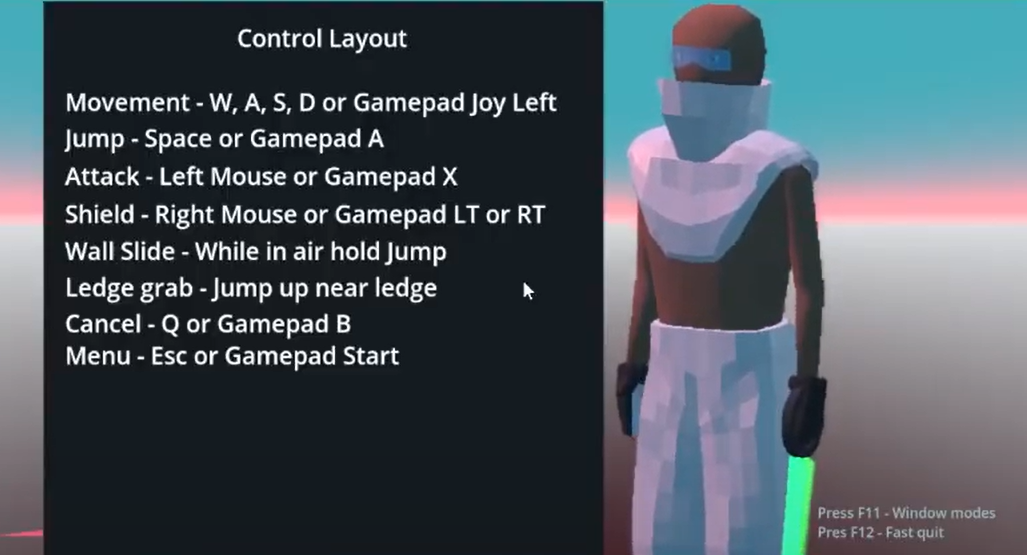
Includes Gamepad/controller support
Known Issues:
- no 'new game'/start fresh feature -- simply delete this folder: C:\Users\my_username_here\AppData\Roaming\Godot\app_userdata\silent abyss
Music credits and sound effect credits found within packaged game.
Most notably live streams from State Azure, found at https://stateazure.bandcamp.com/
Download
Click download now to get access to the following files:
Development log
- Final update on outstanding bugsOct 12, 2025
Comments
Log in with itch.io to leave a comment.
I died, it says "press start to restart". I'm using a keyboard, I don't have a "start". I tried enter and escape and they didn't work. I went to restart from the menu. It restarted the level - but it's still telling me to "press start to restart" and I can't move.
hey thanks for playing and also reaching out! i didnt word the menu very straight forward, 'start' here is 'restart' in the menu and you hold enter to choose it.
i'm not sure about when you restart it being stuck, i wonder if you missed at least one check point which saves the game. you can manipulate the game with this save data on Windows the path is C:\Users\myprofilename\AppData\Roaming\Godot\app_userdata\silent abyss\ inside here is a 'games.json' and '123' text files-- open with notepad if you want to edit, but send me what you have I'm curious maybe we can get you back to the same spot easily.
if you delete the games.json and 123 files entirely it resets the game save to initial game.